Check an invoice ABN before the money leaves
Put the supplier's ABN through our free checker, then work through five quick checks so the payment goes to the business named on the invoice, into the account you expect.
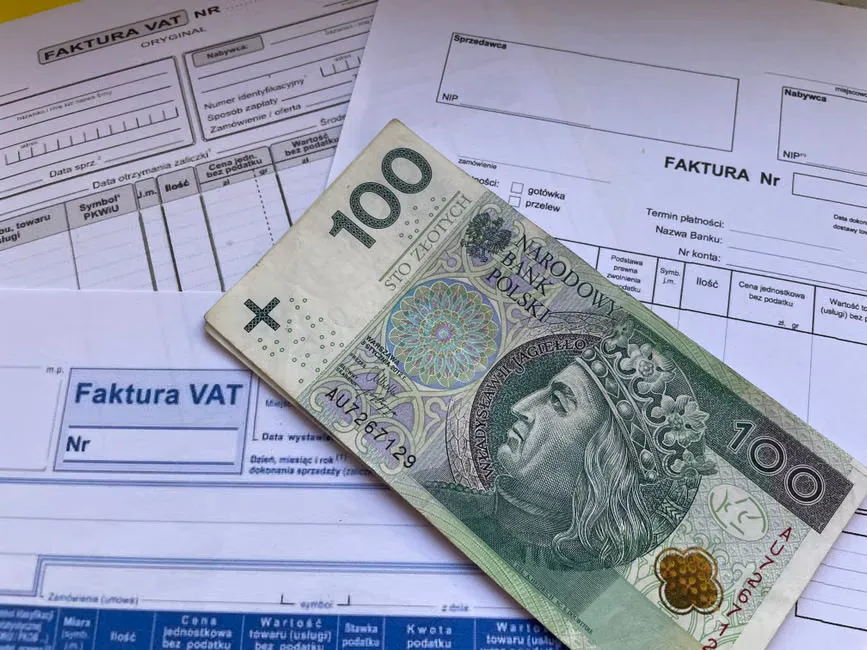
Red flags on the invoice itself
These are signs on the page or screen in front of you. None of them proves an invoice is fake on its own. Each one is a good reason to pause and ask before you pay.
- No ABN anywhere: The ATO says if a supplier gives no ABN and the payment is over excluding GST, you generally must withhold 47% unless an exception applies. Confirm on the ATO website.
- An ABN that can't be real: Our checker tests the check digits as you type. If it says the number cannot be a real ABN, it may be a typo or the invoice is wrong.
- A name that matches nothing: The name on the invoice isn't the legal name or any registered business name on the ABN record you looked up.
- GST added, no registration: The invoice charges GST, but the result says Not registered for GST, or the registration starts after the invoice date.
- New bank details: A changed account number, a note saying the supplier has moved banks, or a separate email asking you to pay somewhere new.
- Pressure to pay today: Wording that pushes you to skip your usual approval, like a same-day deadline you've never seen from this supplier before.
Photo by National Library NZ on The Commons on Wikimedia Commons (No restrictions)
.jpg)
Jump to the part you need
Start with the five checks, or go straight to the red flags, the phone call or the questions.
Your supplier check before paying, in five steps
Do them in this order. The first three take one search in our checker. The last two need the invoice and your own supplier records.
Free to use, no account. Each result names its source and when it was retrieved.
The ABN is active
Type the ABN from the invoice into the checker. Look for Active and the date it took effect. If the status is Cancelled, or the checker says the number cannot be a real ABN, stop and ask.
The name matches
Compare the name on the invoice with the legal name and every registered business name on the result. A trading name can differ from the legal name, so read the whole list.
GST registered, if GST is charged
If the invoice adds GST, the result should show GST registration with a start date on or before the invoice date. Not registered for GST on a GST invoice is a question for the supplier.
The invoice has the required details
The ATO says a tax invoice shows it is a tax invoice, the seller's identity and ABN, the issue date, what was sold, and the GST amount or that the total includes GST.
The bank details are unchanged
Compare the account on the invoice with the one you've paid before. If it's new, call the supplier on a number you already hold before any money moves.
Questions people ask with an invoice in hand
Straight answers to what usually comes up between opening the invoice and pressing pay.
Frequently Asked Questions
- The ABN is active but the name is different, what now?
- Check every name on the result, not just the legal name. Many businesses trade under a registered business name, and a sole trader's legal name is their own. If no name on the record matches the invoice, the ABN may have been typed wrong. Ask the supplier on a number you already have before you pay.
- The bank details changed, what should I do?
- Don't pay into the new account yet. Call the supplier on a number from your own records, not the one on the invoice or in the email that told you about the change. Ask them to confirm the account. If they know nothing about it, hold the payment and talk to your bank.
- Is GST on this invoice right?
- Check the GST line on the result. If it says Not registered for GST, or registration starts after the invoice date, ask the supplier before paying. The ATO says a tax invoice must show the GST amount or say the total includes GST. This is general information, so confirm with the ATO or your accountant.
- What if there's no ABN on the invoice?
- Ask the supplier for it before you pay. The ATO says that if a supplier gives no ABN and the payment is more than excluding GST, you generally must withhold 47% and pay it to the ATO, unless an exception applies. Confirm the rule on the ATO website.
- Is a result from ABN Checker advice?
- No. It's a check of public register records from the Australian Business Register and ASIC, and each result shows its source and when it was retrieved. We're independent and not part of the ATO or the Australian Business Register. Records change, so check close to the payment date.
Got the invoice open? Check its ABN now.
Type the ABN from the invoice and see its status, names and GST registration in one search.
Free, no account needed. A check of public records, not advice.